How to switch social analytics tools without losing the reporting week
Run one roster in parallel, verify the numbers, and switch the deliverable—not your whole stack—first.
Do not begin with a full migration
The safest switch is one recurring deliverable. Pick the competitor watchlist, clip leaderboard, payout window, or client report that costs the most manual time and reproduce it before moving anything else.
The five-step switch test
- Choose one real roster. Use 3–15 public accounts with a report due in the next two weeks.
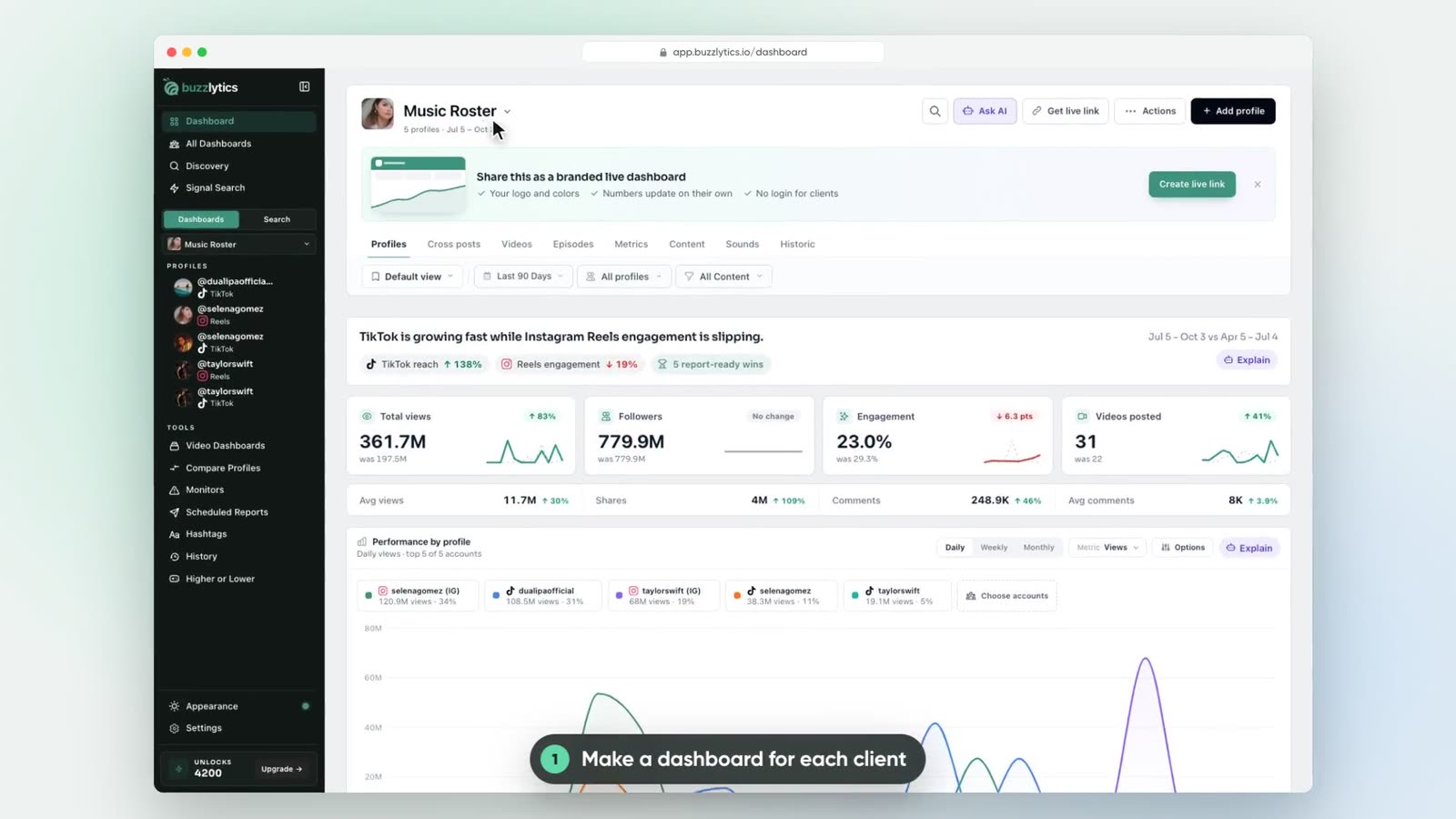
- Add the roster in one batch. Buzzlytics' Add profile flow accepts multiple public handles or profile URLs, verifies them with your available unlocks, and adds them to the dashboard.
- Keep the old tool running. Compare totals, coverage, timestamps, and definitions through one full reporting cycle.
- Rebuild the deliverable. Create the public dashboard, leaderboard, payout calculation, or scheduled PDF the stakeholder actually receives.
- Switch only after sign-off. Export anything you need from the previous vendor before canceling it.
What to verify before canceling another tool
- Every account and platform you rely on is supported.
- Your view-history baseline starts at a clearly understood date.
- The team agrees on metric definitions, especially views gained and engagement rate.
- The client-facing dashboard or report contains the decisions—not merely the same raw numbers.
- Billing, seats, monthly unlocks, and cancellation dates are documented.
The Buzzlytics switching offer
Open one public profile free with no card. If the data is useful, choose the smallest monthly unlock plan that fits the test roster and use the first month to build the actual weekly deliverable. Cancel anytime if it does not replace real work.
No exclusivity and no forced rip-and-replace: Buzzlytics can sit beside a publishing suite while it handles public creator and competitor intelligence.